Animi
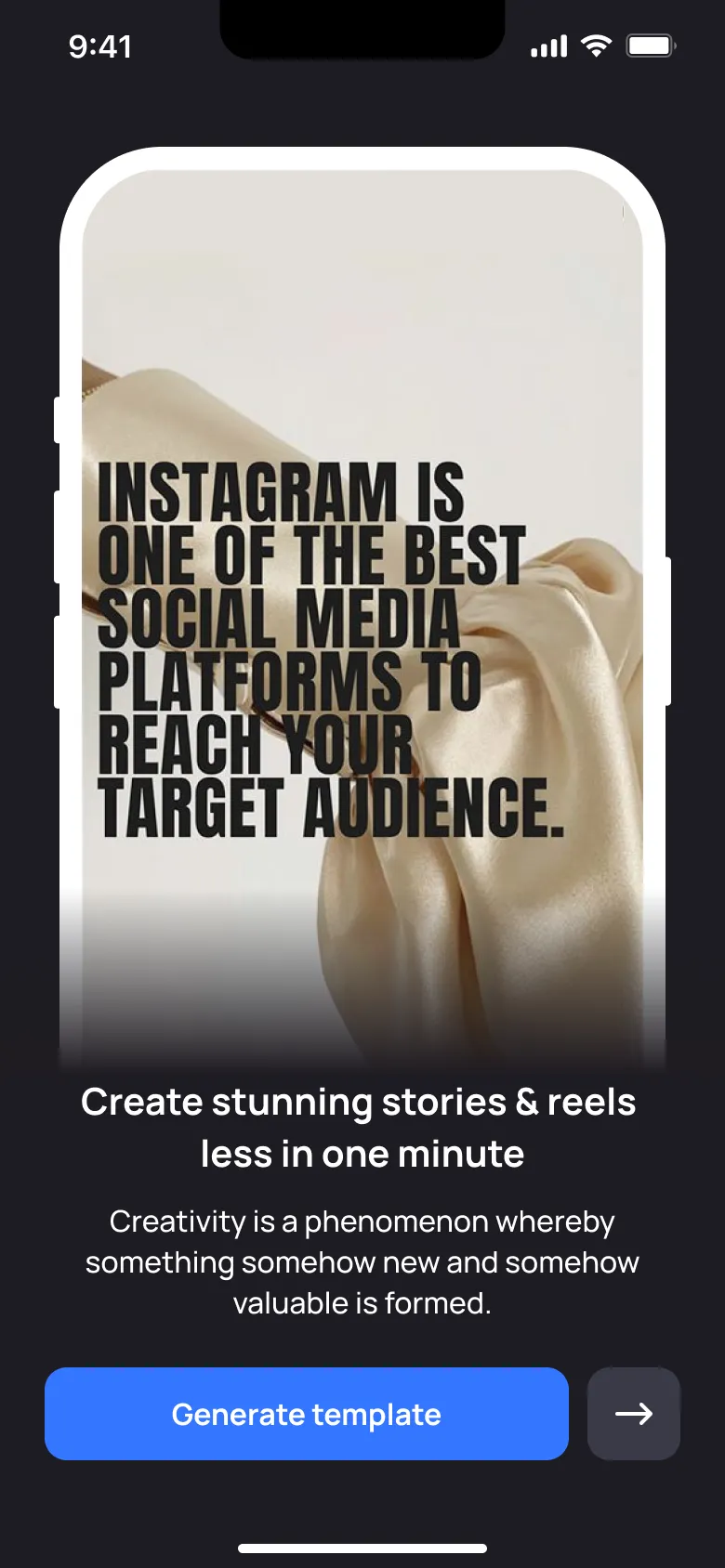
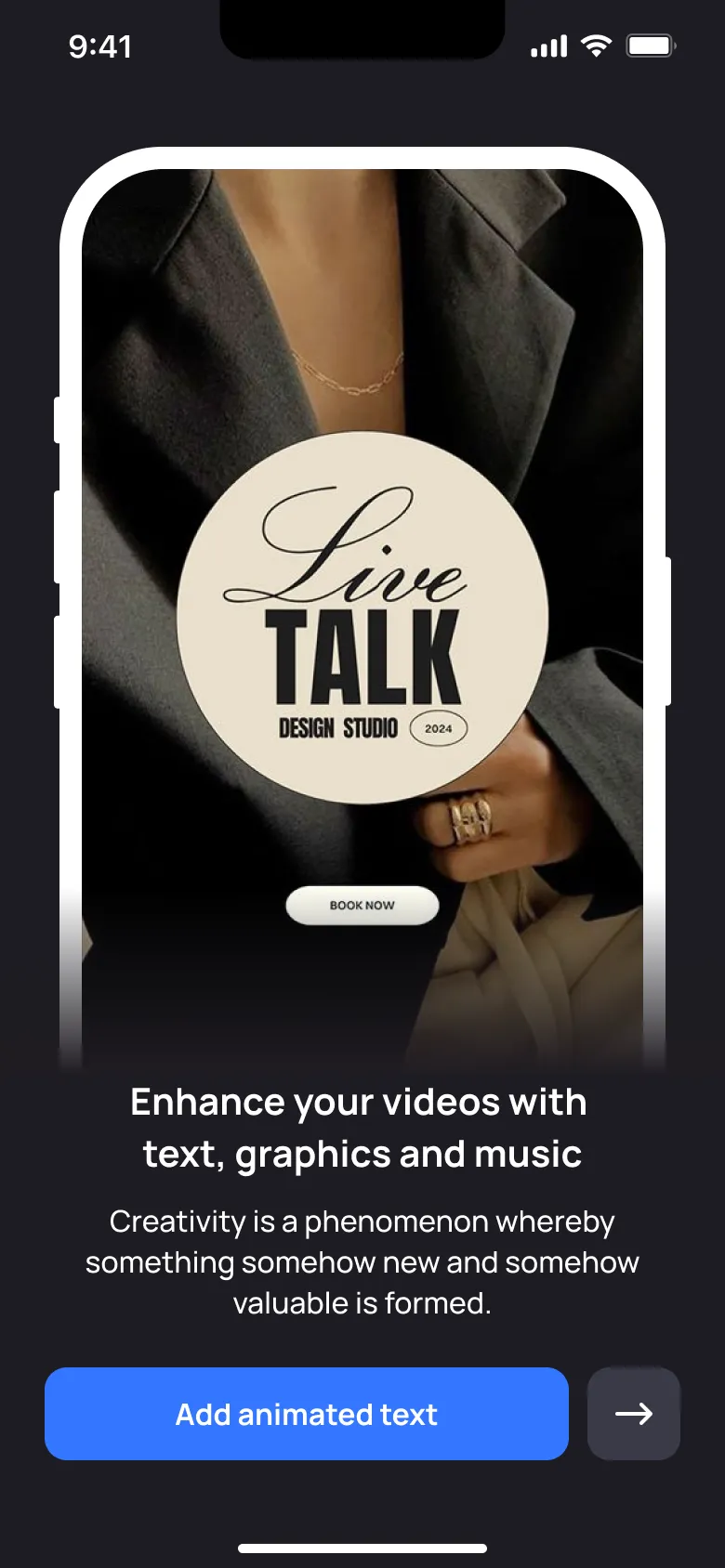
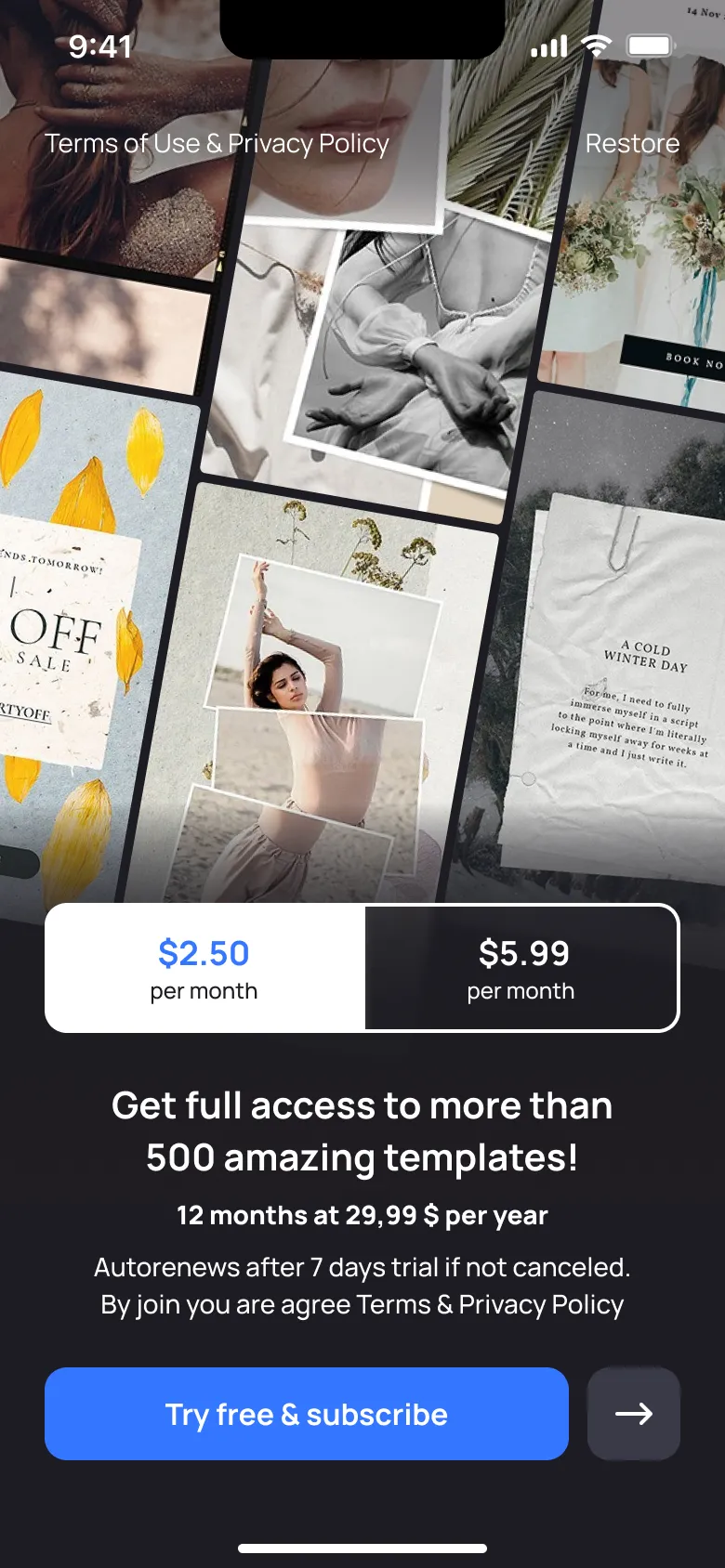
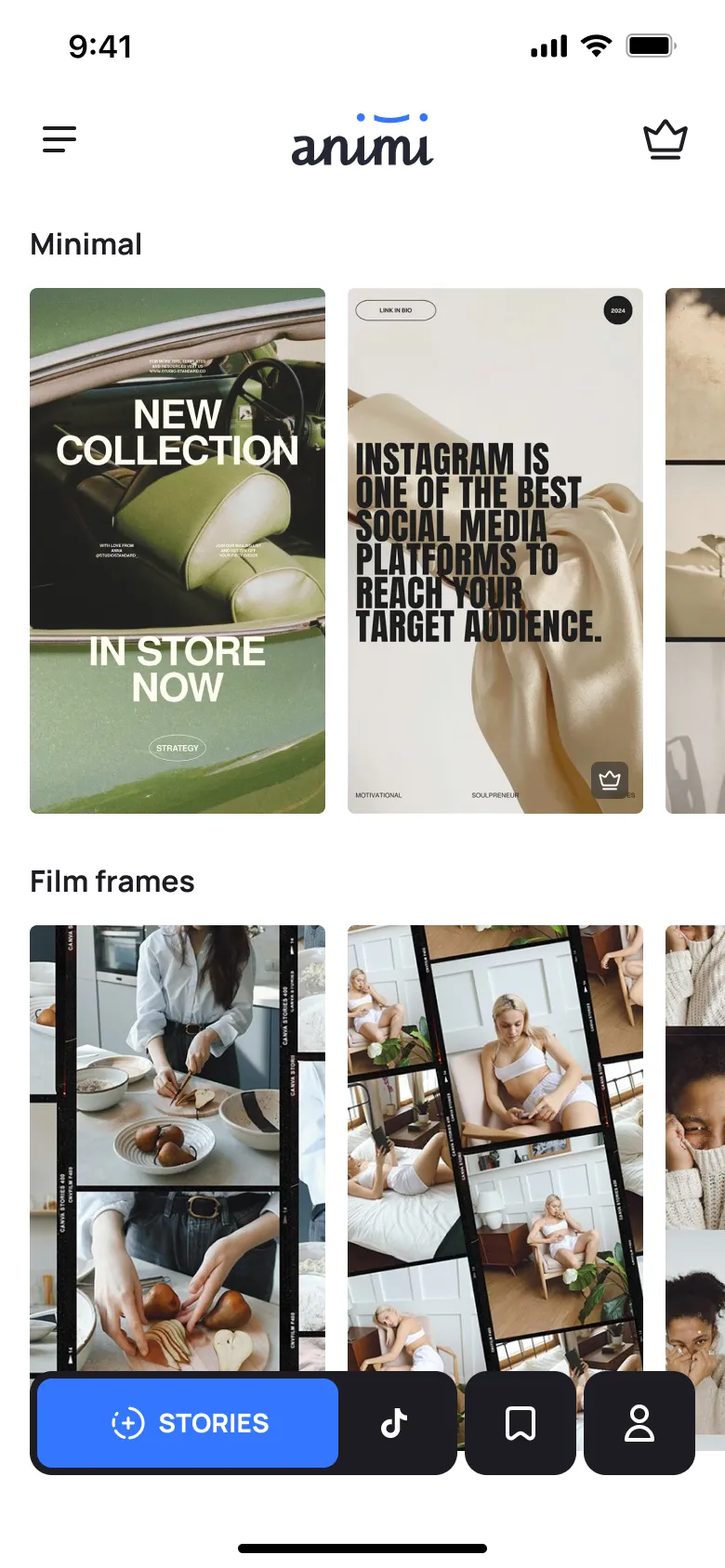
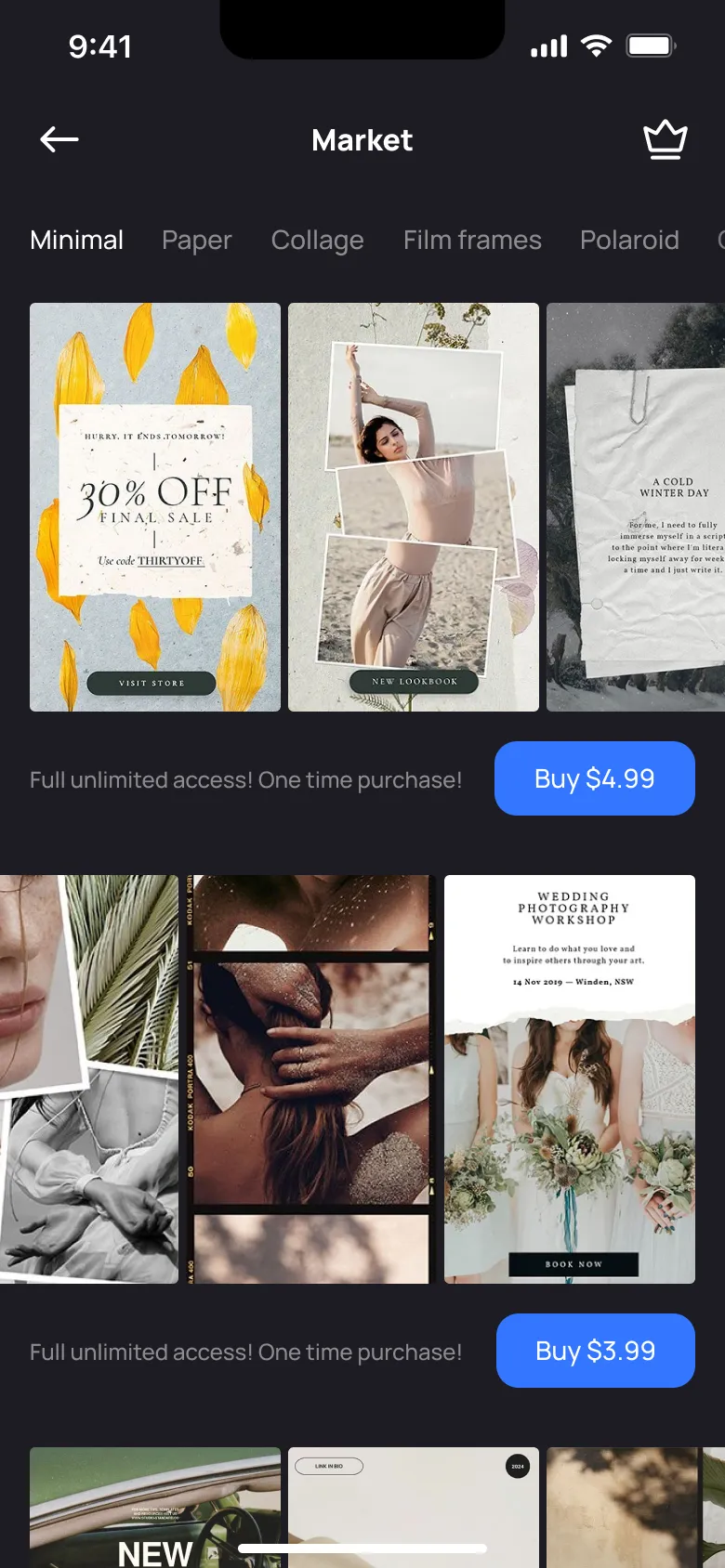
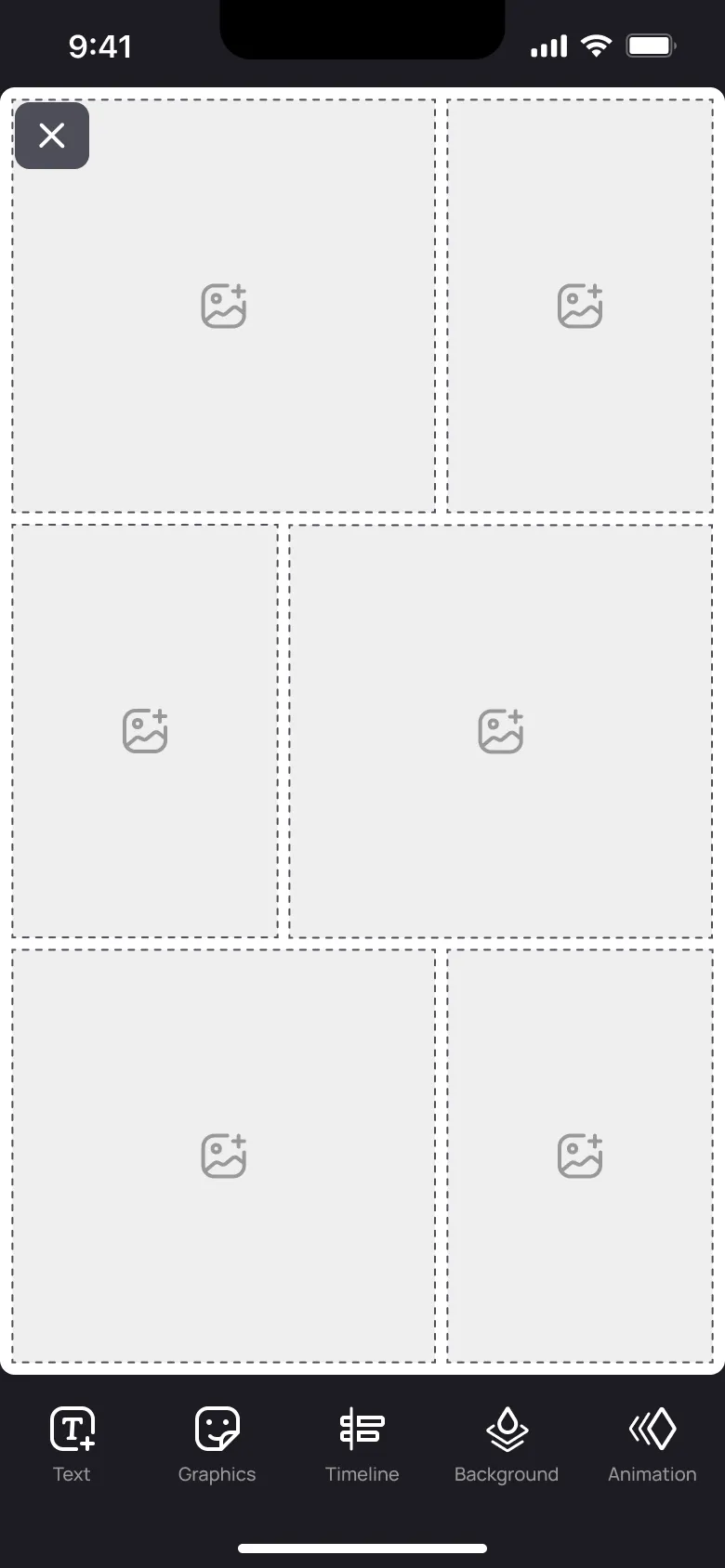
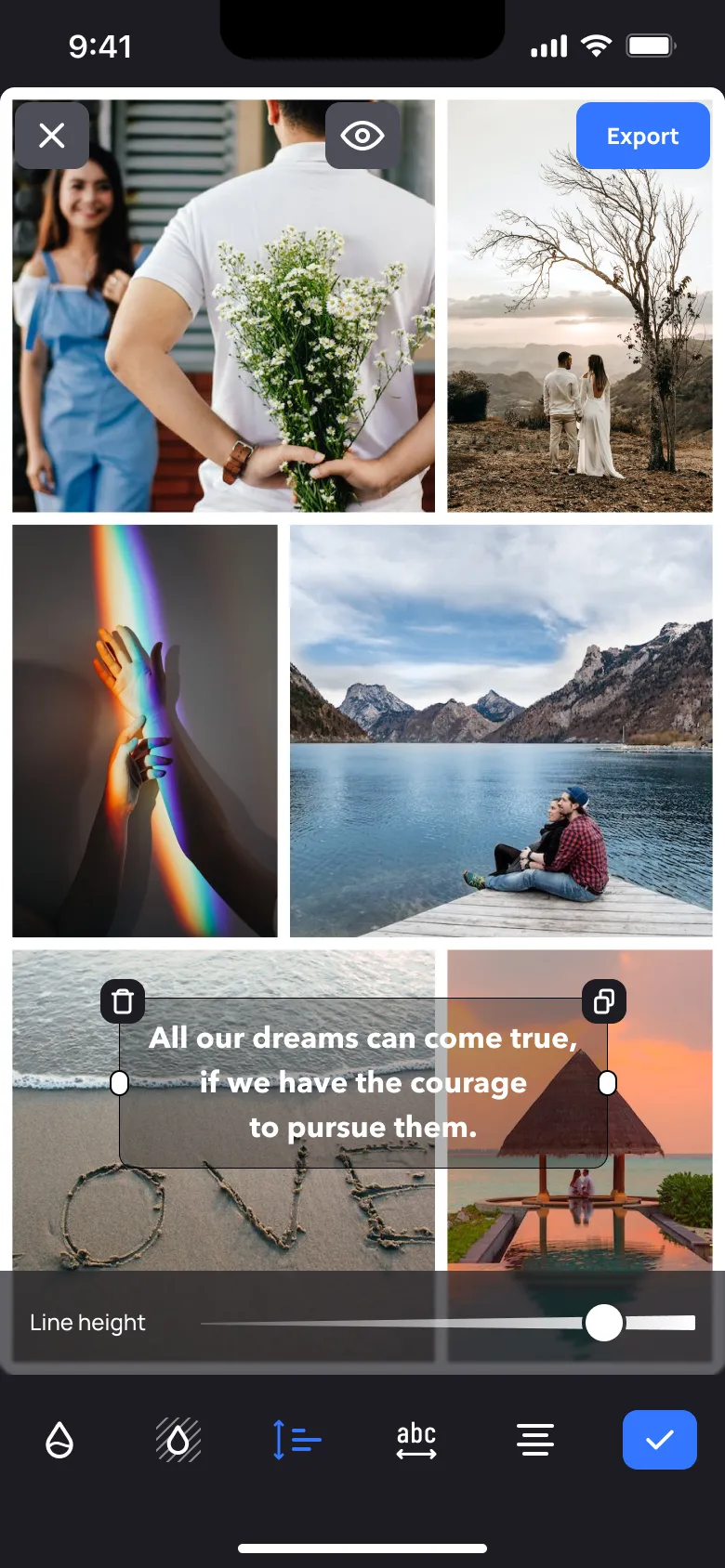
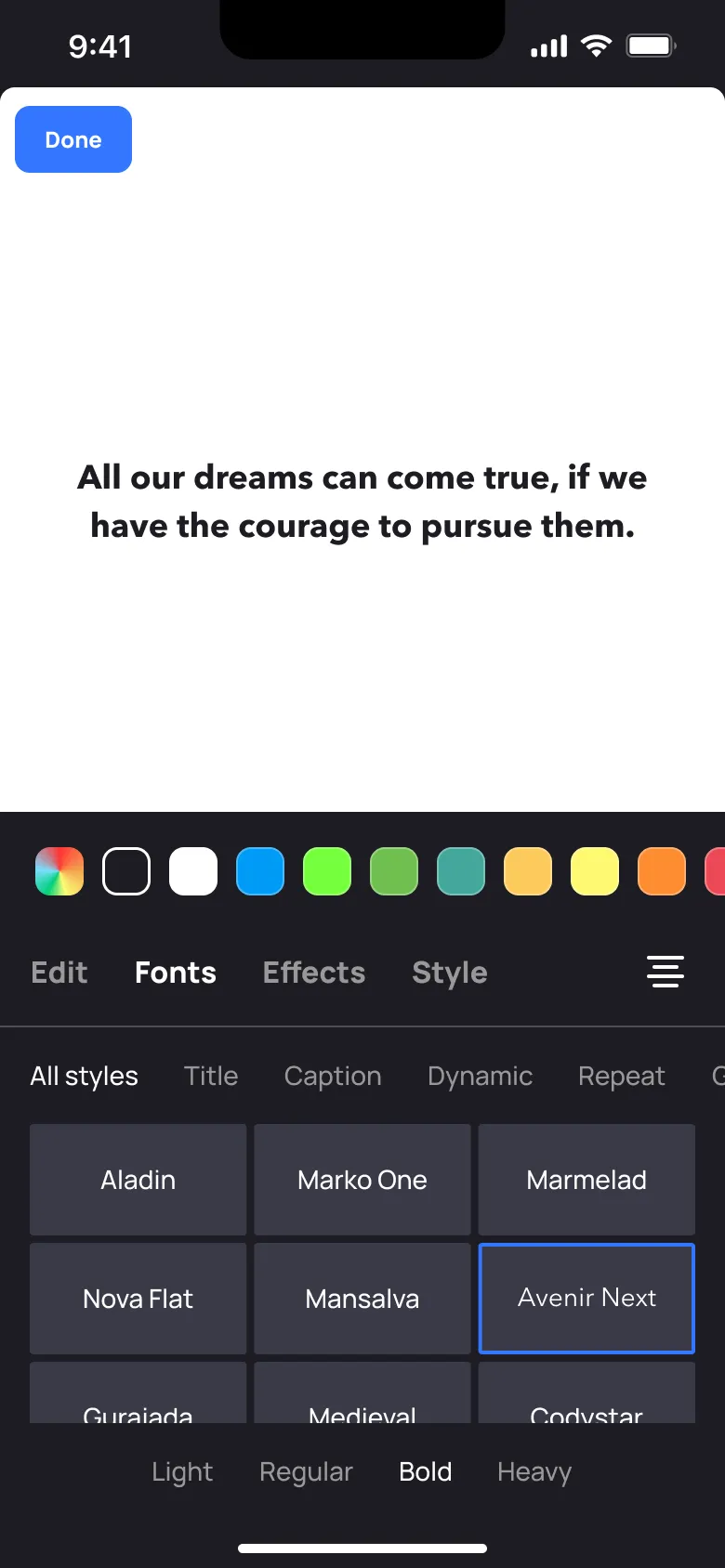
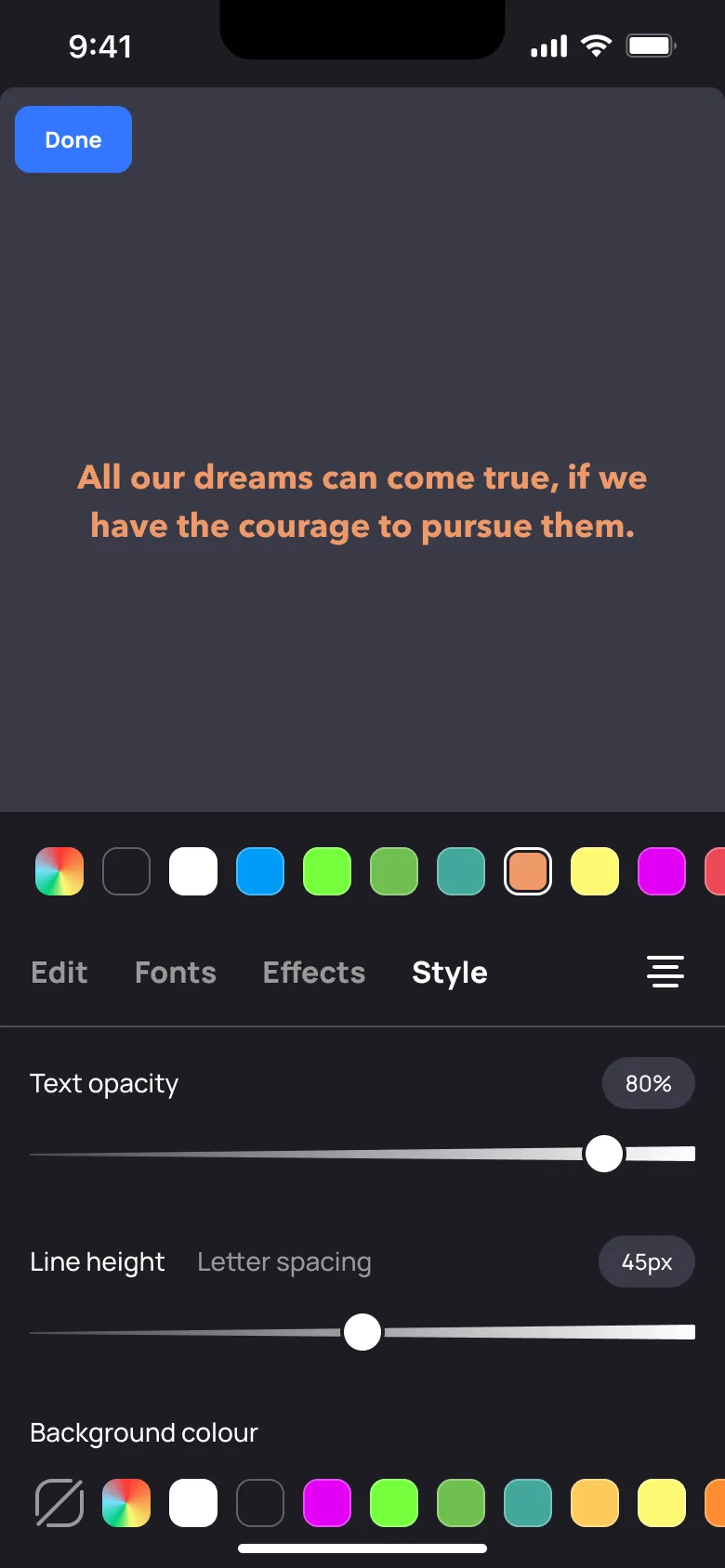
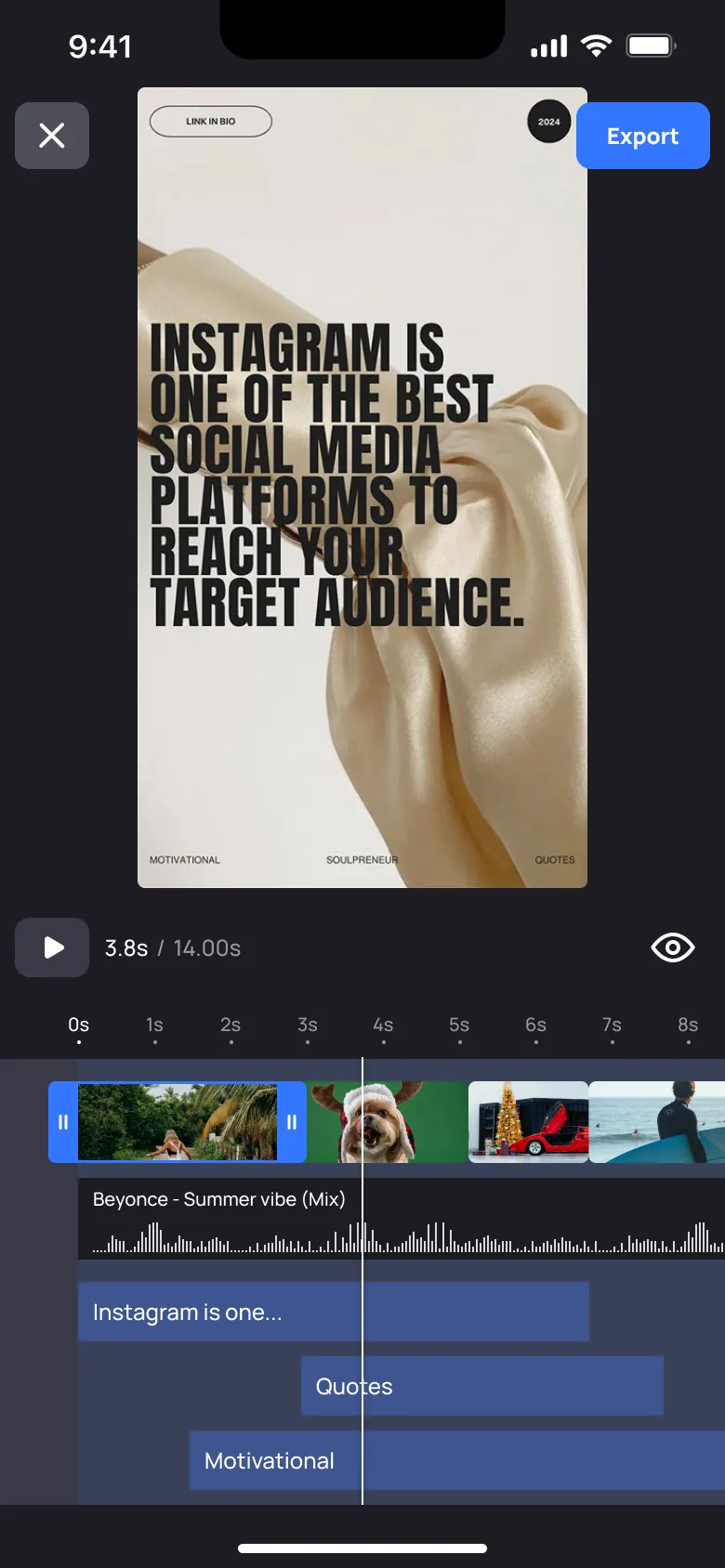
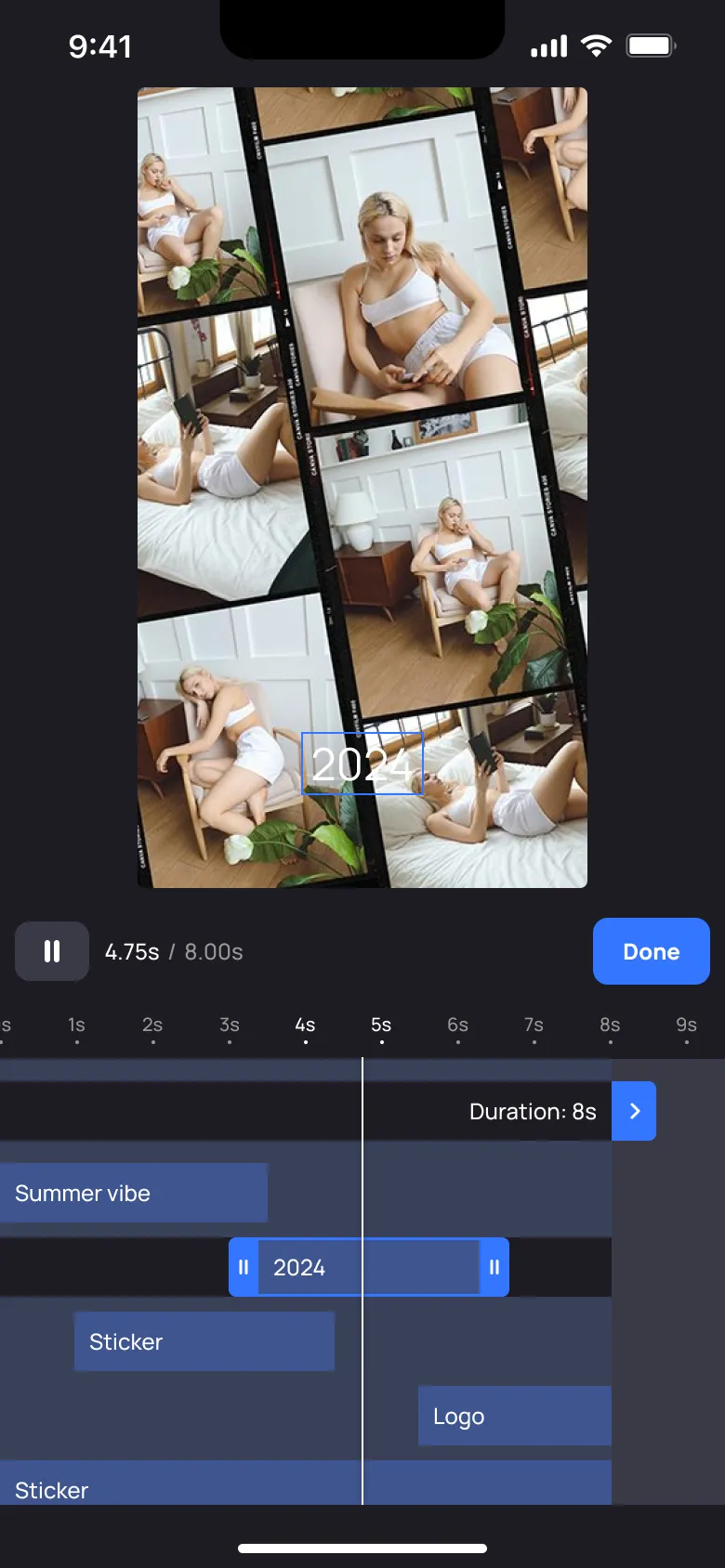
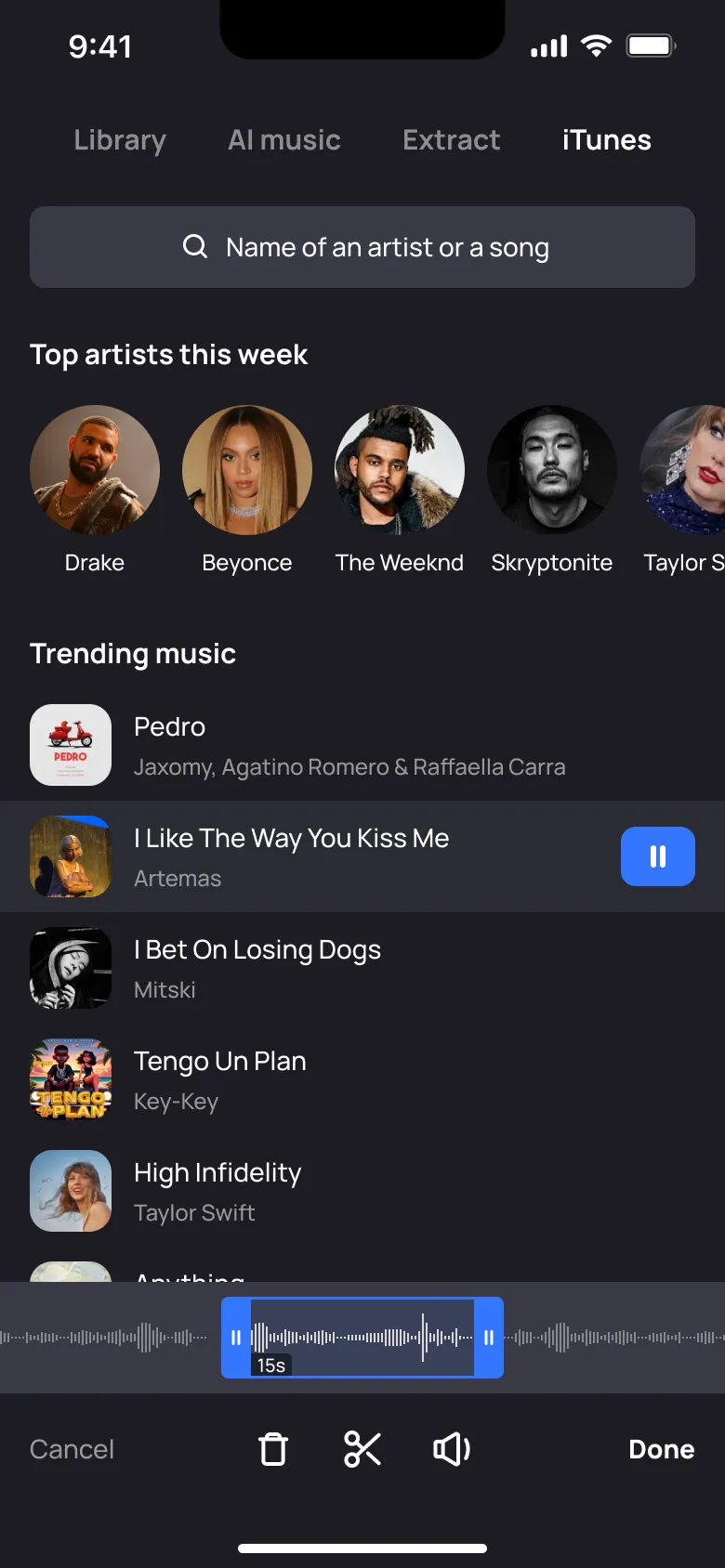
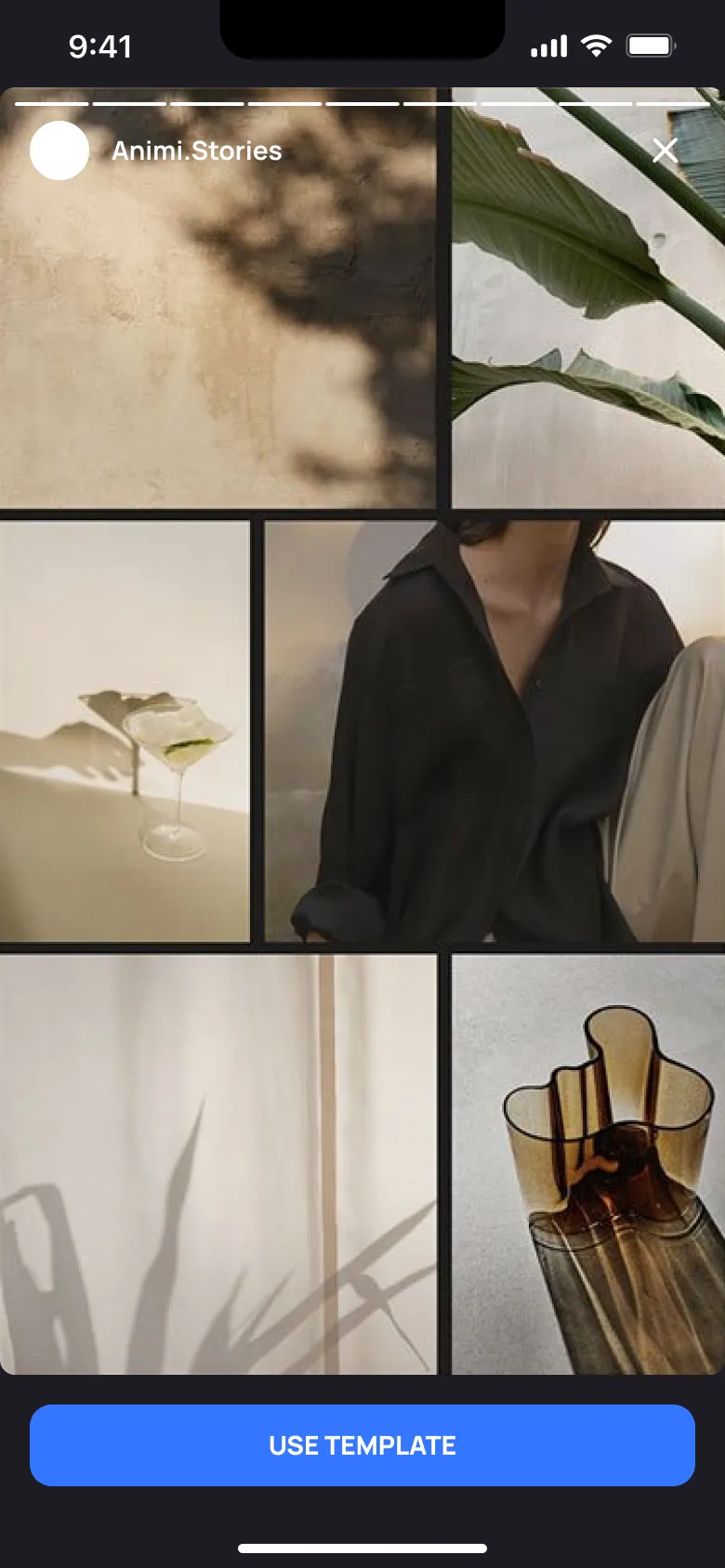
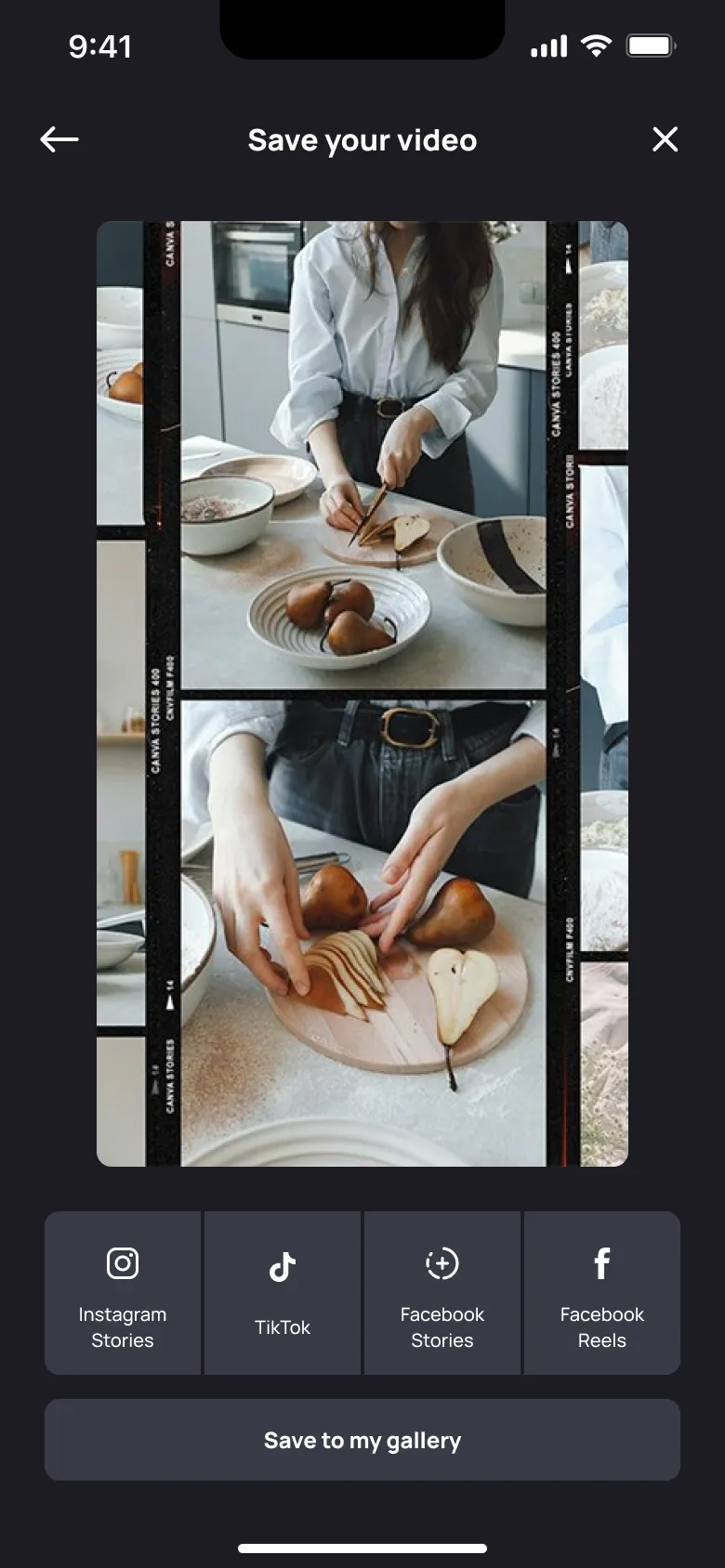
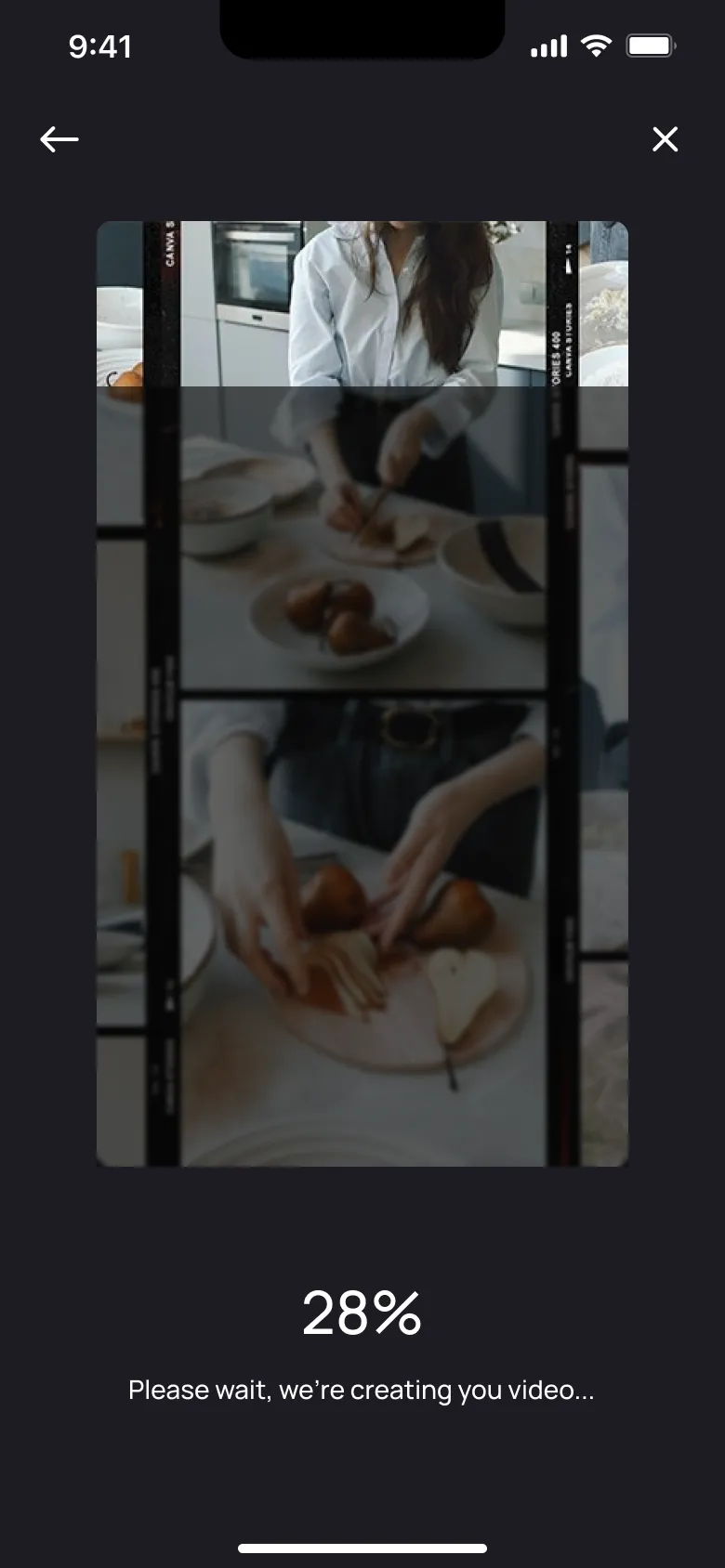
Animi is an iOS video editor for creating Instagram stories and reels, TikTok videos, and slideshows using templates, animated text, graphics, and music. The technology behind it made creating and adding new templates quick and straightforward. For users, the goal was to offer a large content library and more freedom to edit animations within each template.
- Years
- 2020 — 2022
- Role
- Product Designer
- Scope
- UX/UI design, Prototyping, Design system, Animated content, Development support
Challenge
Animi was entering a crowded category of video editors. We wanted to combine the convenience of ready-made templates with the flexibility to change their animation.
The design needed to make finding, editing, and combining content straightforward for people already creating videos for Instagram and TikTok.
My role
I was the only designer on the team. I designed the app’s UX/UI, built the component library and interactive prototypes, and created animated templates.
I also helped manage development. I wrote tasks for programmers, discussed how features should work, reviewed completed tasks, and checked the implementation against the design.
Approach
I spoke with active users of competing apps to gather their feedback, ideas, and suggestions. We discussed what they liked, what frustrated them, and what they wanted from a video editor.
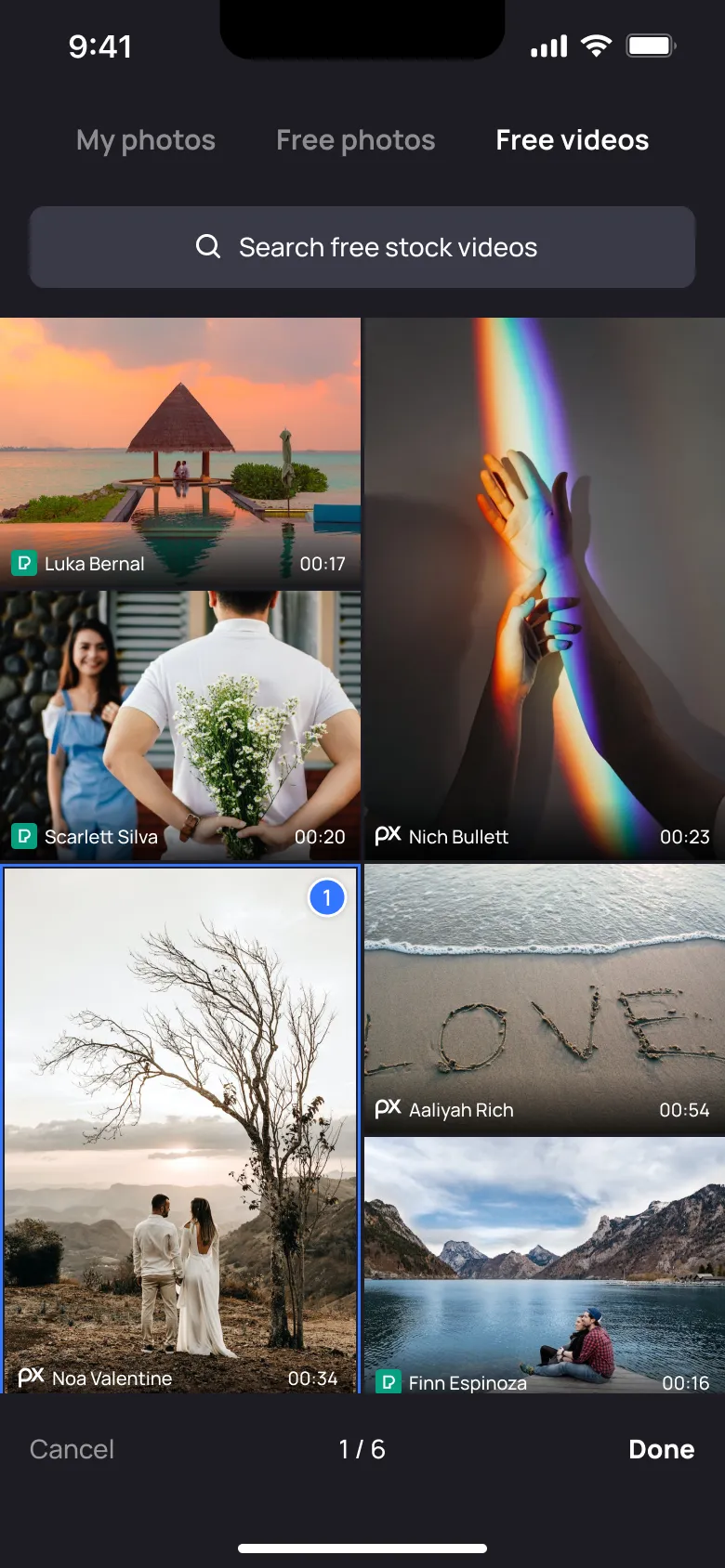
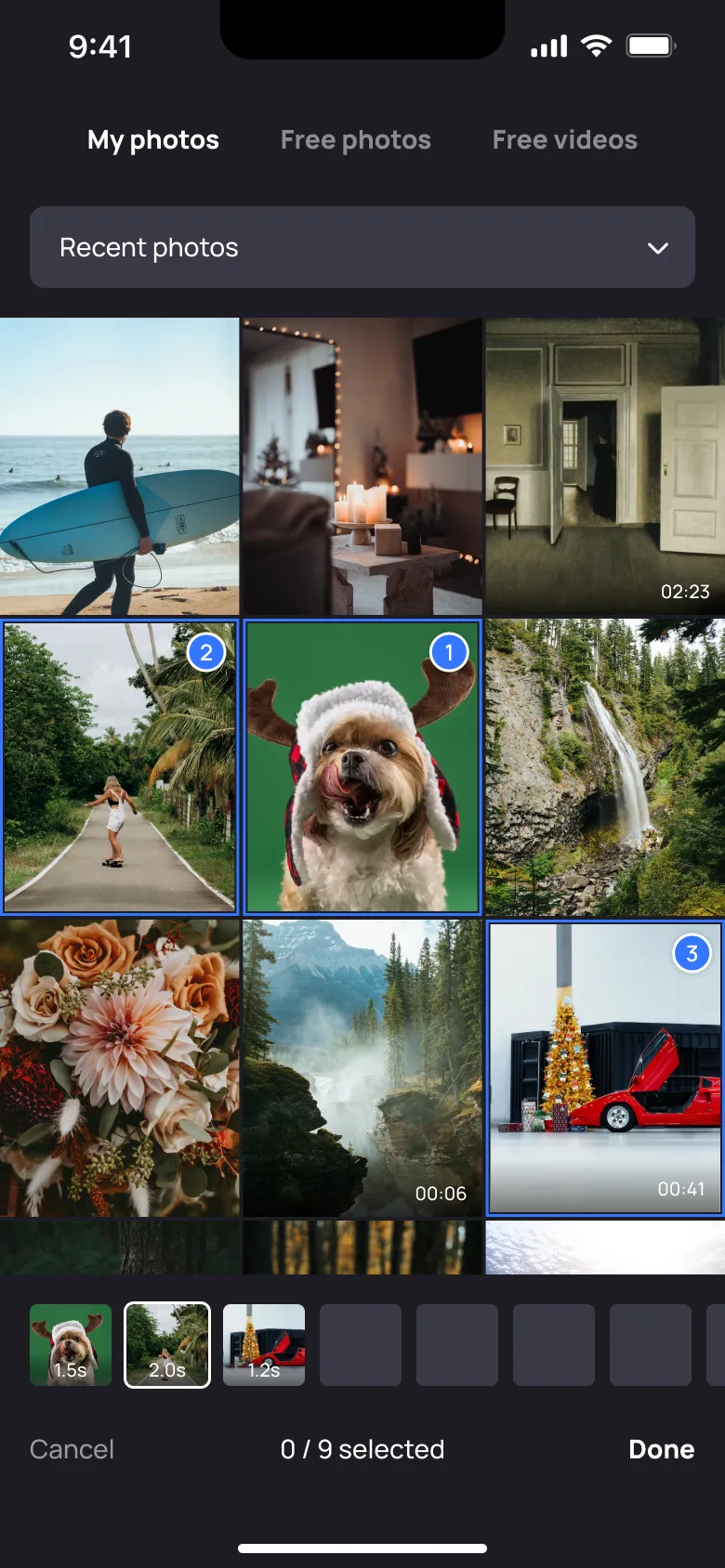
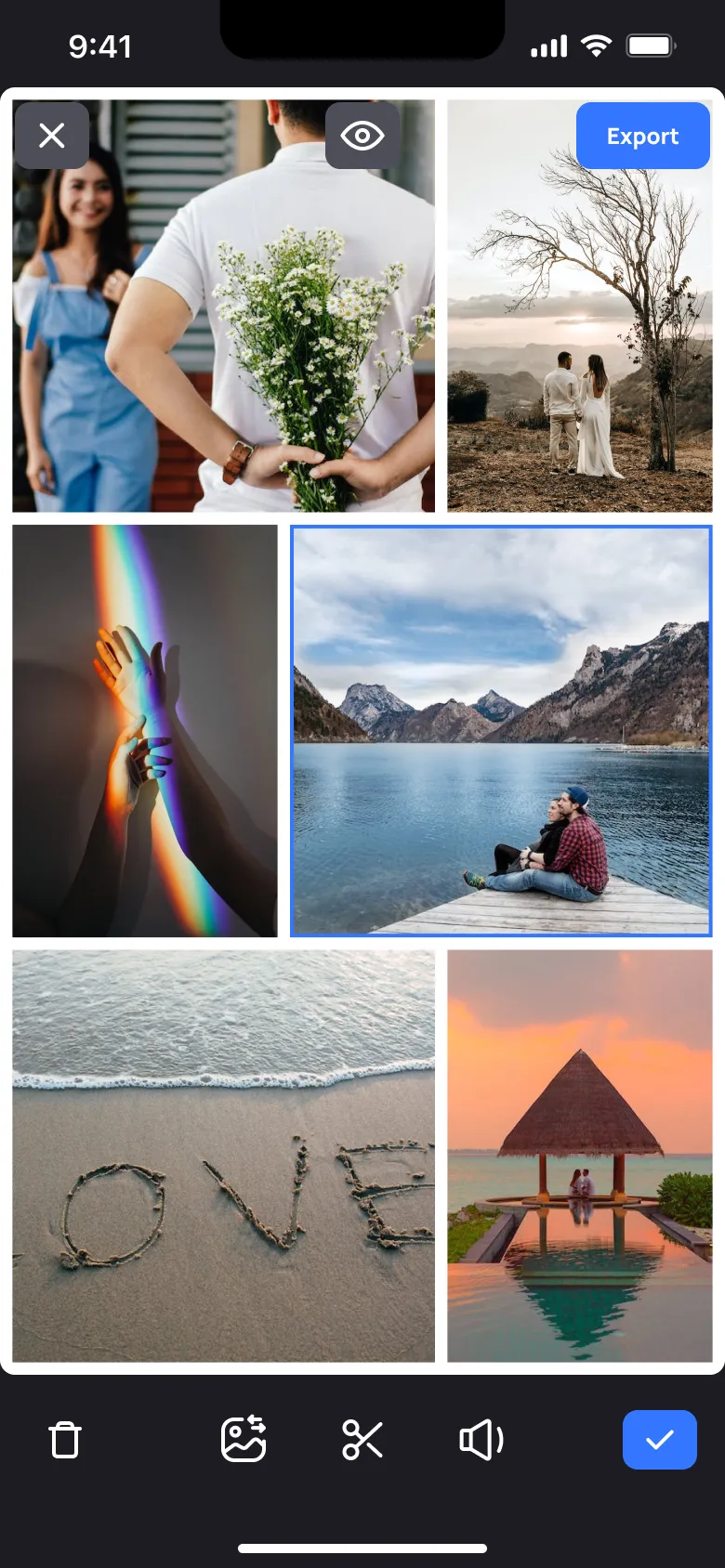
I worked through the app section by section, covering the home screen, template browsing, and the stories and reels editors. For each section, I prepared detailed designs and clickable prototypes while building the component library.
I worked closely with the developers to explain interactions, answer questions, and review their implementation.
Key decisions
Making editing feel familiar
The audience was already familiar with Instagram and TikTok, so I used familiar interaction patterns as a starting point for navigation and editing.
The aim was to make the app easy to understand while giving users room to customise the templates and animations.
Building detailed prototypes and reusable components
I used detailed prototypes to show how screens and interactions connected. They gave the developers a practical reference for the behaviour I was designing.
I built reusable components alongside the prototypes, then carried them into the final UI. This helped keep shared elements consistent across the app.
Working on both the editor and its content
Alongside the interface, I created animated templates for the app. My work covered both the tools people would use to edit videos and the content they would start with.
I also followed the work through development, checking completed features and discussing changes with the programmers.
Outcome
I created the app’s UX/UI, interactive prototypes, a reusable design system, and animated templates. I also supported development through task planning and implementation reviews.
Together with the manager, I defined events and the metrics we wanted to track in Amplitude, preparing the analytics plan for evaluating how people would use the app.